
how do i send direct message on twitter?

If you’re asking “how do I send direct message on Twitter?”, you probably want a clear, beginner-friendly explanation that works on both the mobile app and desktop, plus help if the DM button is missing or not working. In this guide, we’ll walk through step-by-step how to send a DM, how to message someone who doesn’t follow you, how group DMs work, and what to do when Twitter/X direct messages fail. Along the way, we’ll also mention useful growth tools like Buy Twitter Followers or Buy Twitter Likes for users who want to increase their reach and engagement alongside smart DM usage.
How to Send a Direct Message on Twitter
To send a direct message on Twitter/X, open the app or website, tap or click the Messages icon, press New message, search for the user’s @handle, select them, type your message, and hit Send. If you don’t see the DM option, it may be due to privacy settings, blocks, or message restrictions—which we’ll explain later in this guide.
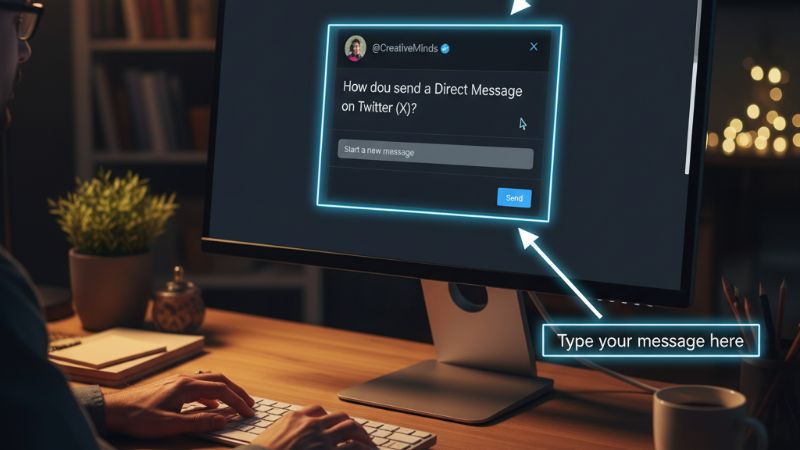
How to Send a DM on Twitter (Mobile App: iOS & Android)
On the Twitter/X mobile app, sending a DM only takes a few taps. Here’s the full step-by-step process:
- Open the Twitter/X app on your phone.
- Tap the Messages icon (envelope) at the bottom or side of the screen.
- Tap the New message button (usually a plus icon or message icon).
- In the search bar, type the @username of the person you want to DM.
- Select their profile from the search results.
- Type your message in the text box.
- Tap Send.
You can repeat these steps to start new conversations with multiple users. If you plan to promote tweets via DM or drive attention to your content, combining this with targeted engagement (like Buy Twitter Impressions or Buy Twitter Retweets) can help your posts get noticed more quickly.
How to Send a DM on Twitter (Desktop Browser)
On desktop, the steps are similar but the layout is slightly different:
- Go to the Twitter/X website and log in to your account.
- Click the Messages icon (envelope) in the left-hand sidebar.
- Click the New message button.
- Type the name or @username of the account you want to message.
- Select the user from the list.
- Write your message in the text field at the bottom.
- Press Enter or click Send.
Desktop is especially useful if you’re managing multiple conversations, responding to lots of Twitter mentions, or driving traffic to a campaign. For campaigns that need more visibility, services like Buy Twitter Comments or Buy Twitter Tweet Views can complement your DM strategy.
How to DM Someone on Twitter Who Doesn’t Follow You
One of the most common questions is: “How do I send DM on Twitter if the person doesn’t follow me?” This depends on that user’s privacy settings. Here’s how it works:
- If the user has “Allow message requests from everyone” enabled, you can DM them even if they don’t follow you.
- Your message will usually go into their Message Requests folder instead of the main inbox.
- If they have this setting disabled, you cannot message them unless they follow you first.
To maximize your reach and build credibility when reaching out cold, it helps if your profile already has engagement—things like likes, retweets, and views. Tools such as Buy Twitter Likes and Buy Twitter Video Views can make your content look more established before you DM new people.
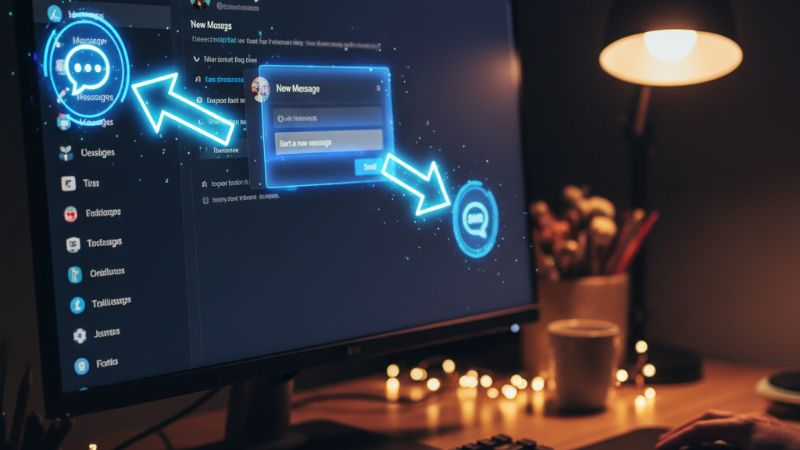
How to Send Photos, Videos, GIFs, and Voice Messages in DM
Twitter DMs support more than just plain text. You can send:
- Photos and videos
- GIFs
- Emojis
- Voice messages (in some regions and apps)
To attach media, simply tap or click the image, GIF, or microphone icon inside the DM window. Visual content can dramatically increase response rates—especially when you’re driving people toward tweets with high engagement or running polls where you might also support activity using something like Buy Twitter Votes.
How to Create a Group DM on Twitter
Group DMs let you chat with multiple users in a single conversation. To create a group DM:
- Open Messages in the app or on desktop.
- Click or tap New message.
- Select more than one user from the search results.
- Once you add at least two people, Twitter/X creates a group chat.
- Type your message and hit Send.
Group DMs are great for coordinating spaces, launches, or NFT drops. If you’re hosting live audio events, combining group DMs with tools like Buy Twitter Space Listeners can help you fill your spaces faster and keep the conversation active.
Why You Can’t Send a DM on Twitter (Common Reasons)
If you’re trying to send a DM and it won’t go through—or you don’t see the DM icon on someone’s profile—one of these reasons is usually to blame:
- You are blocked: If someone has blocked you, you cannot DM them.
- Their DMs are closed: They disabled message requests from non-followers.
- Your account is restricted: Twitter/X may limit DMs after spammy behavior.
- Daily DM limit reached: There is a limit on how many messages you can send per day.
- Technical issue or outdated app: Older versions of the app may bug out.
If you’re using DMs for outreach or marketing, avoid spammy behavior. Rely on quality content and public engagement too; for example, a strategy that mixes DMs with Buy Twitter Quotes or Buy Twitter Mentions can make your account look more active and less suspicious.
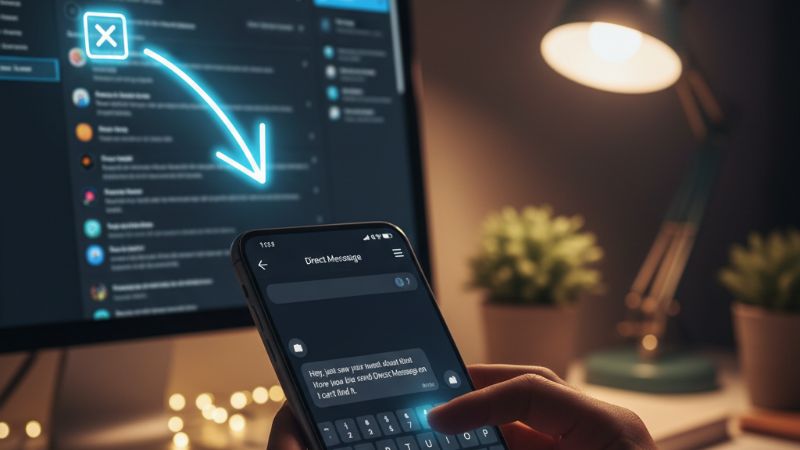
Twitter/X DM Privacy & Safety Tips
Direct messages can contain sensitive information, so it’s important to use them safely:
- Never share passwords, 2FA codes, or Twitter OTP in DMs.
- Be cautious of unknown accounts sending suspicious links.
- Regularly review your DM privacy settings.
- Report and block spam or harassment immediately.
If you’re in the NFT or Web3 world, DMs are often used for networking. You can grow your NFT-focused presence using services like Buy Twitter NFT Followers, Buy Twitter NFT Likes, or Buy Twitter NFT Retweets while still keeping your DM behavior safe and authentic.
Troubleshooting: Twitter DM Not Working
If your Twitter/X DMs aren’t working at all—messages fail, don’t load, or you can’t open threads—try these steps:
- Update the app to the latest version.
- Log out and log back in.
- Clear the app cache (on Android) or reinstall the app.
- Check your internet connection.
- Review your account for any restrictions or suspensions.
If none of these fixes work, check Twitter/X’s status page or support account to see if there’s a platform-wide outage.
Final Tips for Using Twitter DMs Effectively
Now that you know how to send direct message on Twitter across mobile and desktop, the key is to use DMs wisely. Avoid spam, personalize your messages, and focus on building real relationships. If you’re using Twitter/X for marketing, combine smart DMs with public strategies like boosting tweet engagement via Buy Twitter Tweet Views or expanding reach with Buy Twitter Impressions. Together, this gives you both private and public visibility.
FAQ
1. Can I DM someone who doesn’t follow me on Twitter?
Yes, but only if their settings allow message requests from everyone. Otherwise, they must follow you first.
2. Why is the DM button missing on someone’s profile?
They may have turned off DMs from non-followers, blocked you, or restricted who can contact them.
3. Is there a limit to how many DMs I can send per day?
Yes, Twitter/X enforces daily DM limits to reduce spam. Hitting the limit can temporarily stop you from sending new messages.
4. How do message requests work on Twitter/X?
When you DM someone who doesn’t follow you but allows requests, your message goes to their Message Requests folder. They can accept or ignore it.
5. Can I delete a DM after sending it?
You can delete the message from your own view, but the other person may still retain a copy depending on platform behavior and updates.