
how to change playlist cover on spotify iphone?
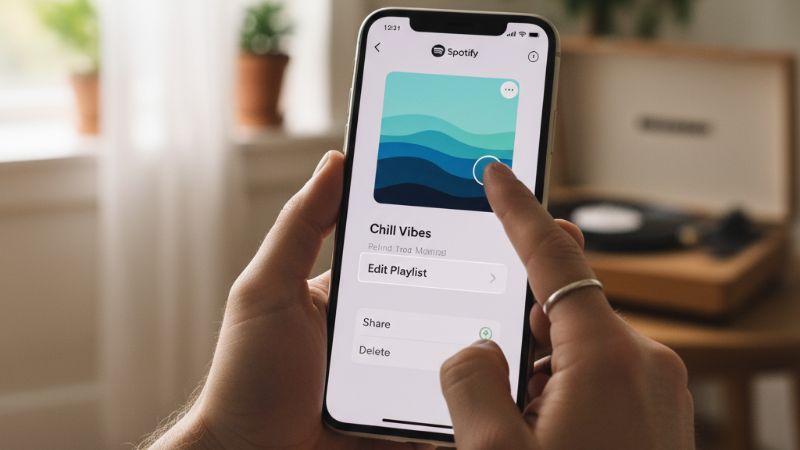
If you’re searching for how to change playlist cover on Spotify iPhone 2020, you’re likely confused because, for many years, Spotify did not allow mobile playlist cover editing at all. The feature officially arrived in late 2020, and since then the UI has changed multiple times. The short answer is simple: yes, you can change a playlist cover on Spotify for iPhone, but only if you own the playlist and have an updated version of the app. Below is the complete 2020 method and the updated 2024–2025 method.
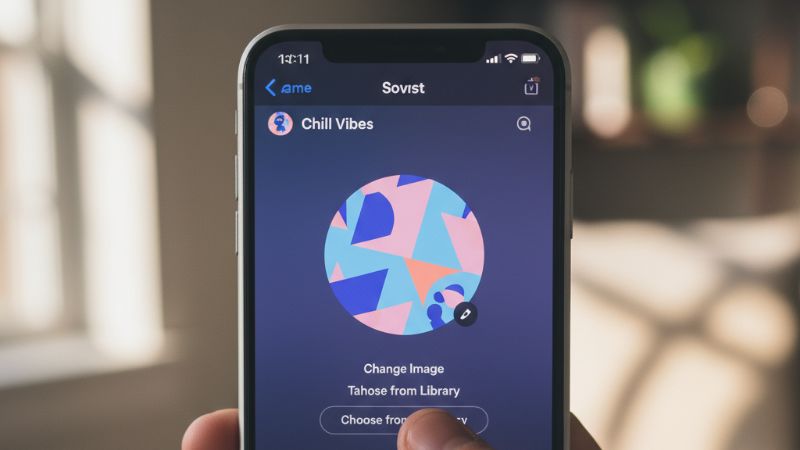
Can You Change a Playlist Cover on Spotify iPhone?
Yes — Spotify added playlist cover editing to iPhone in late 2020. You can upload a custom image, reposition it, or choose a new thumbnail. However, you cannot edit playlist covers you don’t own, including editorial or public playlists created by other users.
How to Change a Playlist Cover on Spotify iPhone (2020 Method)
This is the method that worked when Spotify first released the feature on iOS:
- Open Spotify on your iPhone.
- Go to Your Library → select the playlist you want to edit.
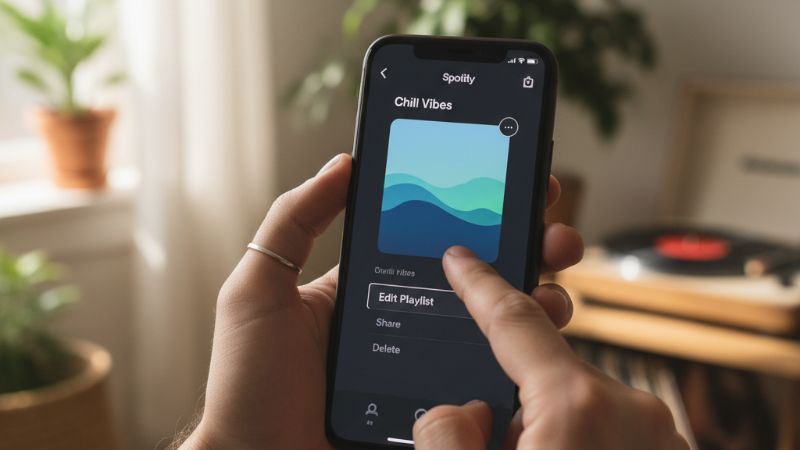
- Tap the three dots (•••).
- Select Edit or Edit Playlist.
- Tap the playlist cover → choose Change Image.
- Upload a photo from your camera roll or take a new one.
- Adjust, crop, or reposition the image → tap Save.
This early layout was simple, but many users didn’t see the option due to older iOS versions or outdated apps.
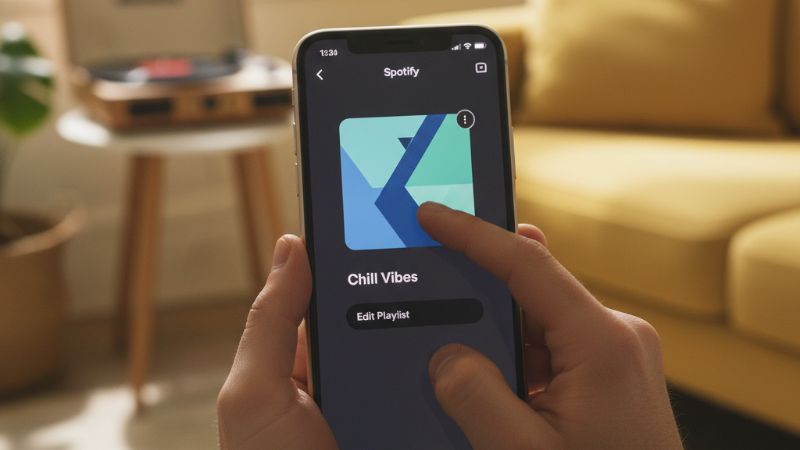
Updated Method (2024–2025): How to Change a Playlist Cover on Spotify iPhone Now
Spotify’s interface has evolved. The current workflow typically looks like this:
- Open Spotify and go to Your Library.
- Select the playlist you own.
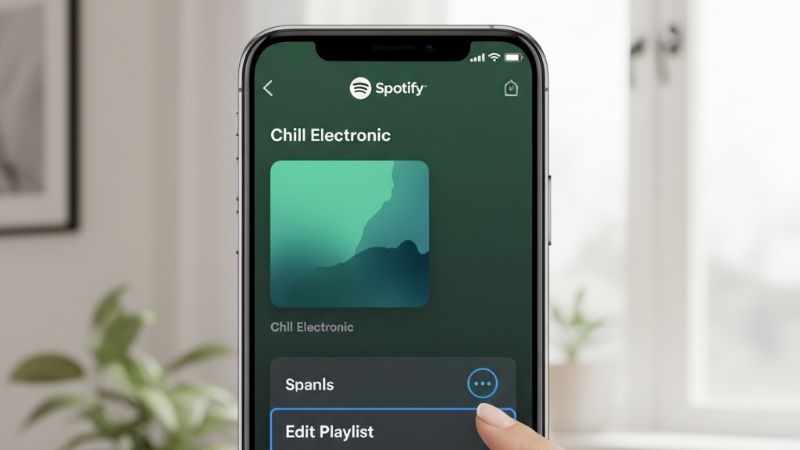
- Tap the three dots in the upper-right corner.
- Choose Edit Playlist.
- Tap the playlist image → choose Change Photo.
- Select from your photos, take a picture, or remove the existing cover.
- Adjust framing → tap Save.
The feature is identical for Free and Premium users.
Requirements Before You Can Edit a Playlist Cover
To avoid confusion, here are the must-have conditions:
- You must own the playlist — you cannot edit covers for playlists you follow.
- Your Spotify app must be up to date.
- Your iPhone must run a supported iOS version (iOS 13+ recommended).
- You must be online; offline mode removes editing access.
If you’re an artist or curator promoting your playlists, tools like Buy Spotify Playlist Plays can help increase engagement once your playlist’s branding looks clean and professional.
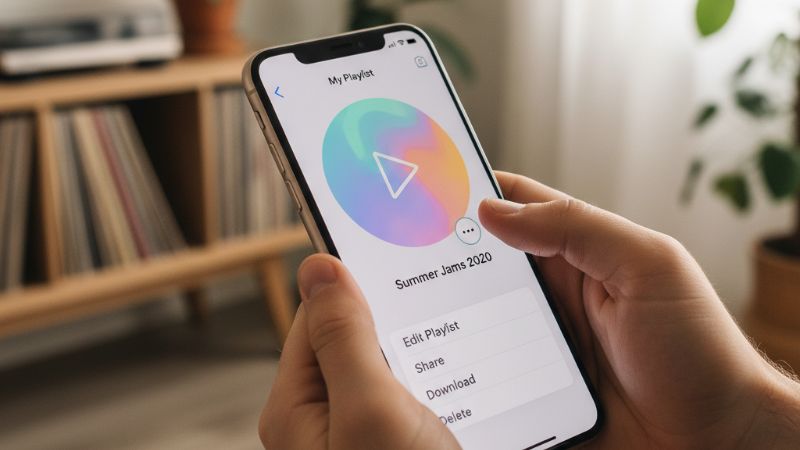
Why You May Not See the Option to Change the Playlist Cover
If the edit button is missing, here are the most common reasons:
- You don’t own the playlist. You can only change covers for playlists you created.
- Your app is outdated. Update Spotify to the latest version.
- Your iPhone is running an old iOS version.
- You’re offline or have lost connection.
- Temporary cache glitches.
How to Fix Spotify Playlist Cover Not Updating on iPhone
If your new cover doesn’t appear, try:
- Force-closing and reopening the app.
- Refreshing the playlist by pulling down.
- Clearing cache (in Spotify settings).
- Restarting your iPhone.
- Re-uploading the image with a square aspect ratio.
Artists using playlist-based promotions often check cover accuracy before campaigns such as Buy Spotify Plays or Buy Spotify Monthly Listeners.
Difference Between Desktop and Mobile Editing
Spotify desktop has always supported playlist cover editing, long before the mobile version. The features are similar now, but the desktop version still offers:
- Easier drag-and-drop image uploading
- Faster bulk playlist updates
- Better precision for image framing
Most curators still use desktop for detailed editing but rely on iPhone for quick changes on the go.
When Spotify First Added Playlist Image Editing (History)
The feature became available in late 2020, and prior to that, mobile users simply could not change playlist covers at all. This is why many older YouTube tutorials or help articles still claim the feature doesn’t exist. The 2020 update changed that permanently, making playlist customization mobile-friendly.
If you’re working to grow your brand or playlists today, combining strong visuals with strategic growth tools like Buy Spotify Followers or Buy Spotify Likes can help your curated lists stand out.
FAQ: Changing Playlist Covers on Spotify iPhone
Why can’t I change a playlist picture on Spotify for iPhone?
Usually because you don’t own the playlist, your app is outdated, or you’re offline.
Does changing playlist cover require Spotify Premium?
No — the feature works on both Free and Premium accounts.
Did Spotify allow custom playlist covers before 2020?
No. Mobile playlist cover editing was introduced in late 2020.
Why doesn’t my new playlist cover show up for followers?
It may take a few minutes to sync, or the app may need refreshing. Cache issues are the most common cause.
Can I change the cover of playlists I follow?
No — only the playlist owner can modify its image.