
How to Make Spotify Stop Playing Recommended Songs?
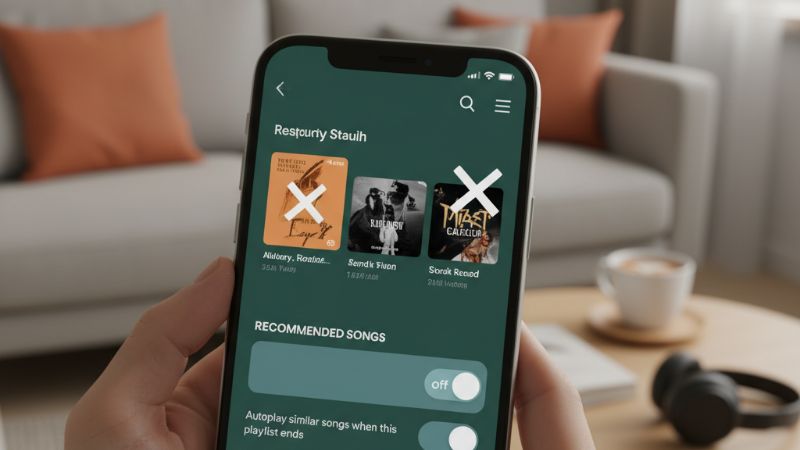
How to Make Spotify Stop Playing Recommended Songs? If Spotify keeps adding random tracks after your playlist ends, you're not alone. The platform’s default behavior is to continue playing recommended songs unless you disable certain features. The quick fix is simple: turn off Autoplay. But Smart Shuffle, Enhance mode, and Radio can also trigger unwanted recommendations, so this guide covers how to disable all of them across iPhone, Android, and desktop.
Why Spotify Keeps Playing Recommended Songs
Most users experience this issue because Autoplay is enabled. When your playlist or album finishes, Spotify automatically queues similar tracks. Other features like Smart Shuffle or Enhance can also slip new songs into your listening session.
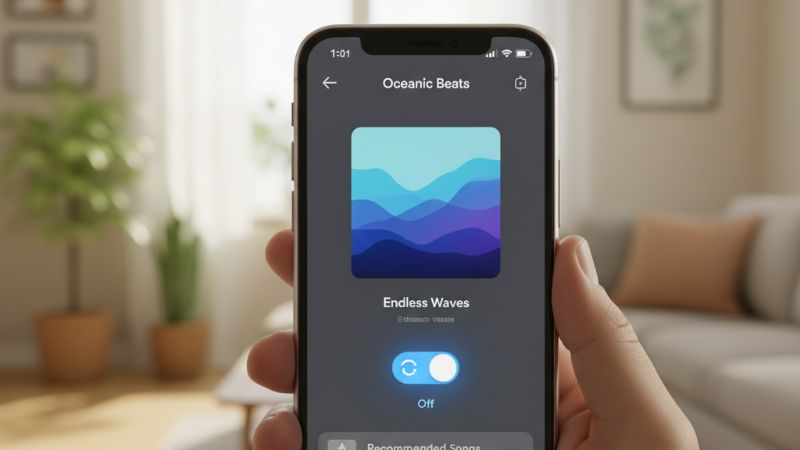
How to Make Spotify Stop Playing Recommended Songs (Short Answer)
Turn off Autoplay. This single setting is responsible for almost all unwanted suggested tracks.
How to Turn Off Autoplay on Spotify (iPhone, Android, Desktop)
On iPhone
- Open Spotify.
- Go to Settings → Playback.
- Toggle off Autoplay.
On Android
- Tap your profile icon.
- Select Settings & Privacy.
- Scroll to Playback → disable Autoplay.
On Desktop
- Open Spotify for Desktop.
- Click your profile → Settings.
- Under Autoplay, turn off: "Autoplay similar songs when your music ends"
Whether you're building playlists for marketing campaigns or audience engagement, controlling playback behavior ensures a smoother listening experience. Some creators pair this with promotional tools like Buy Spotify Plays to optimize early traction on new tracks.
Turn Off Smart Shuffle, Enhance, and Other Recommendation Features
Even with Autoplay disabled, several Spotify features still insert songs you didn’t choose. Here’s how to disable all of them:
1. Smart Shuffle
Smart Shuffle blends recommended tracks into your playlist. Tap the Shuffle icon until the sparkles disappear to turn it off.
2. Enhance Mode
Enhance adds suggested songs to the playlist view. Tap the Enhance button at the top of the playlist to disable it.
3. Recommended Songs Section
If you're manually adding new tracks to a playlist, Spotify will show recommendations—but these won’t auto-play unless Autoplay is enabled.
Playlist curators sometimes use growth tools, such as Buy Spotify Playlist Plays, to boost visibility once they’ve optimized playback behavior.
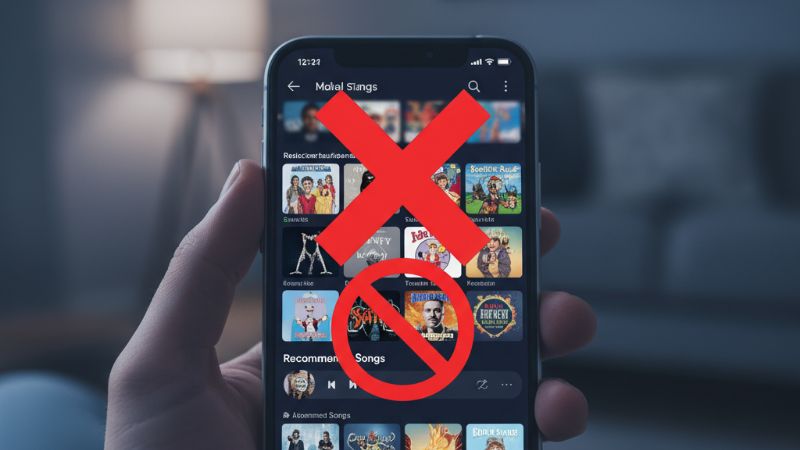
How to Stop Spotify From Playing Similar Songs After a Playlist Ends
When a playlist finishes, Spotify starts a “Recommended Songs” queue unless Autoplay is off. Once disabled, Spotify will stop expanding your playlist with new tracks.
Stop Spotify Radio Mode From Starting Automatically
Sometimes users accidentally launch Radio mode. To stop it:
- Open the queue.
- Clear all upcoming tracks.
- Start a playlist manually.
Radio behaves like perpetual recommendations, so clearing it resets playback control.
Fix Spotify Playing Suggested Songs Even With Autoplay Off
If Spotify still plays recommendations, try:
- Logging out and back in
- Updating Spotify
- Clearing cache
- Restarting your device
- Disabling Bluetooth “autoplay” triggers on car systems
For artists growing Spotify presence, system control is key—especially before campaigns such as Buy Spotify Monthly Listeners or Buy Spotify Followers.
Why Spotify Sometimes Ignores the Autoplay Setting
Certain conditions can override your Autoplay preference:
- App or system updates resetting playback defaults
- Testing/experimental features rolled out by Spotify
- Different settings between devices causing conflicts
- Offline mode limiting access to stored preferences
How to Play Only Your Songs With Zero Recommendations
To fully eliminate unwanted tracks:
- Use Repeat One for single-track loops
- Create longer playlists to avoid autoplay triggers
- Turn off Smart Shuffle and Enhance
- Manually clear Radio sessions
For artists promoting albums, consistent playback is essential—especially before campaigns like Buy Spotify Album Plays.
FAQ: How to Stop Spotify From Playing Recommended Songs
Why does Spotify play songs I didn’t choose?
Because Autoplay or Smart Shuffle is enabled.
Does turning off Autoplay stop all recommendations?
Yes — Autoplay is responsible for most unexpected song additions.
Why does Spotify Autoplay keep turning back on?
Syncing issues, app updates, or device conflicts can reset the setting.
Why does Spotify play recommended songs even on Shuffle?
Shuffle doesn’t remove recommendations, but Smart Shuffle does add them.
How do I stop Spotify from playing similar songs after my playlist ends?
Turn off Autoplay in Playback settings.