
how do you get the link to your twitter?
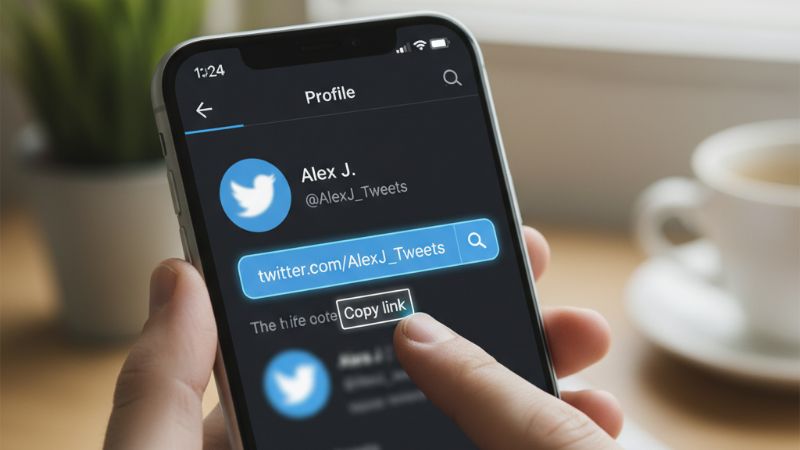
If you’re wondering “how do you get the link to your Twitter?”, you’re not alone—thousands of new Twitter/X users search for this every day. Whether you want to share your profile on Instagram, send it to a friend, add it to your website, or paste it in your bio link, the process is simple once you know where to look. In this guide, you’ll learn how to find your Twitter profile link on iPhone, Android, and desktop, plus how to copy tweet URLs, DM links, and other important links. For additional help with Twitter features, you can also read our guide on how to send direct message on Twitter.
How Do You Get the Link to Your Twitter?
The fastest way to get your Twitter profile link is to use this universal URL format:
https://twitter.com/yourusername
Just replace yourusername with the exact Twitter handle you see on your profile. For example, if your username is @alex_miles, your profile link is:
https://twitter.com/alex_miles
If you don’t know your username, don’t worry—we’ll show you how to find it below.
How to Find Your Twitter Profile Link on Mobile (iOS & Android)
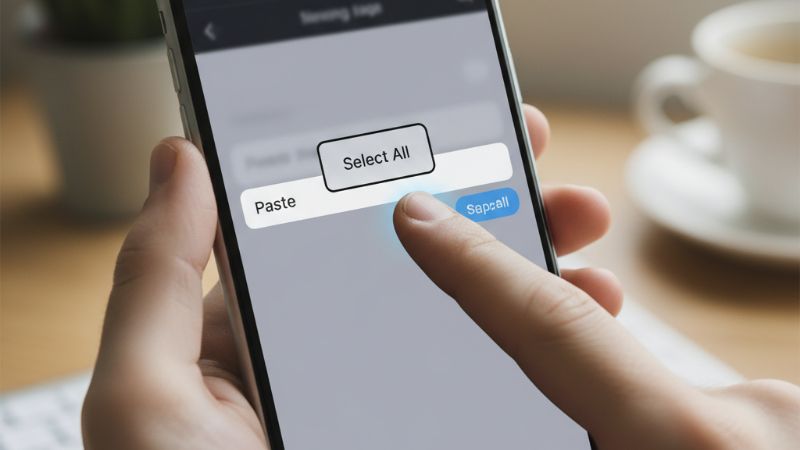
On the Twitter/X mobile app, copying your profile link takes just a few steps:
- Open the Twitter/X app.
- Tap your profile icon in the top-left corner.
- Select Profile.
- Tap the three dots (⋯) in the top-right corner.
- Choose Share → Copy link.
This copies your full profile URL to your clipboard so you can paste it anywhere. This is especially useful when promoting your account or growing your audience. Many users combine profile-sharing with engagement tools such as Buy Twitter Followers or Buy Twitter Likes to increase visibility and make their shared profile more appealing.
How to Get Your Twitter Profile Link on Desktop
The desktop method is even simpler:
- Log in at https://twitter.com.
- Click your Profile in the left menu.
- Copy the URL from your browser’s address bar.
This URL is your official Twitter profile link. You can paste it directly into social bios, emails, websites, or messages.
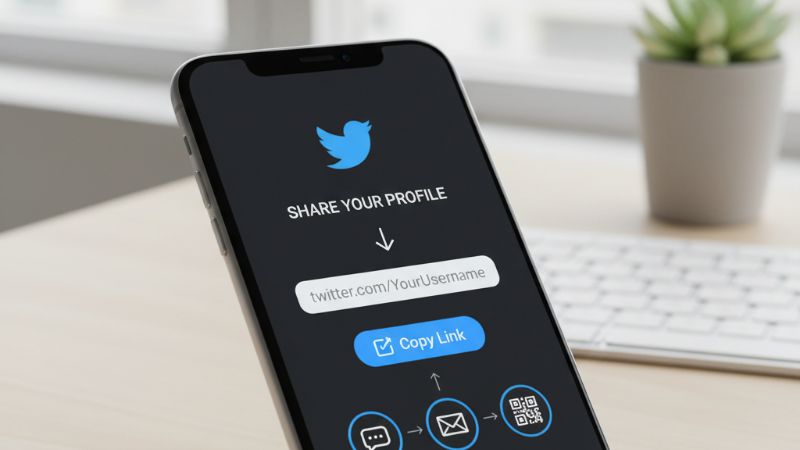
Twitter Profile Link Format (Universal Method)
Even without opening the app, you can always build your link manually using:
https://twitter.com/USERNAME
This method works on all devices and is useful when setting up social media profiles or business pages that require a Twitter link.
How to Find Your Twitter Username
Your profile link only works if you know your correct username. To find it:
- Go to your Profile.
- Your username appears under your display name (starts with @).
- Remove the @ when creating the link.
For example, @maria_jade becomes maria_jade in your profile URL.
How to Copy the Link to Someone Else’s Twitter Profile
To copy another user's profile link:
- Open their profile.
- Tap the Share icon.
- Select Copy link.
This works on both mobile and desktop. Many marketers share influencer profiles or competitors while running promotional campaigns. Tools like Buy Twitter Impressions or Buy Twitter Comments often accompany such strategies for boosting tweet visibility.
How to Get the Link to a Tweet (Post URL)
Sometimes users aren’t looking for their profile link—they want the link to a specific tweet. Here’s how to get it:
- Open the tweet you want to share.
- Tap the Share icon (arrow).
- Choose Copy link.
Tweet URLs are ideal for sharing viral content, boosting campaigns, and directing traffic. Many creators enhance their tweet visibility using Buy Twitter Mentions or Buy Twitter Impressions.
How to Get Your Twitter DM Link
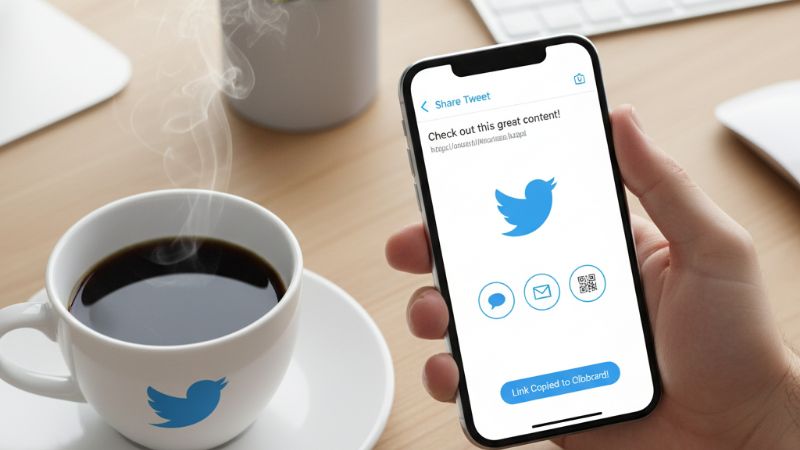
Twitter allows you to create a link that sends people directly to your DM inbox. This is very useful for businesses and creators.
https://twitter.com/messages/compose?recipient_id=YOURUSERID
Your numeric Twitter ID can be found using “Twitter ID Finder” tools. Once created, you can add your DM link to websites, contact pages, and Instagram bios.
How to Share Your Twitter Link on Other Platforms
You can use your profile link in many places:
- Instagram bio
- YouTube “About” section
- Email signatures
- WhatsApp or Telegram
- Your website or blog
Sharing your Twitter link across multiple platforms increases your visibility. Many creators pair this with strategic boosts such as Buy Twitter Followers to grow faster.
Troubleshooting: If You Can’t Find Your Twitter Link
If your share option isn’t showing, or the link doesn’t work:
- Update the Twitter/X app
- Make sure your account isn’t restricted
- Check if your username recently changed
- Try copying the link from desktop
- Ensure your profile isn’t deactivated
If nothing helps, logging out and back in usually refreshes your profile data.
FAQ
1. What is my Twitter profile URL?
Your profile URL is always: https://twitter.com/yourusername.
2. Why can’t I find the option to copy my Twitter link?
Your app may be outdated, or Twitter/X may be experiencing temporary issues.
3. How do I get my Twitter link on iPhone?
Go to Profile → ⋯ → Share → Copy link.
4. How do I share my Twitter profile with someone?
Send them your URL or use the Share option in the app.
5. Can I change my Twitter URL?
Yes—edit your username in settings, and your URL will update automatically.