
What Is a DM on Facebook?
Many users—especially those coming from Instagram, Twitter, or TikTok—wonder what a “DM” means on Facebook and how the platform handles private messaging. The term DM stands for Direct Message, and on Facebook it refers to a private message sent through the Messenger system. Although the term is universal across social platforms, its functionality on Facebook connects deeply with Messenger features, privacy settings, message requests, and communication tools built by Meta. Understanding what a Facebook DM is, how it works, and how to send one is essential for new users and businesses trying to improve communication with their audience.
what is a dm on facebook?
A DM on Facebook simply means a Direct Message, which is a private conversation between you and another user or page through Facebook Messenger. These messages are not visible to the public and can include text, photos, videos, files, voice notes, and reactions. While some users confuse DM with PM (Private Message), both essentially mean the same thing on Facebook, although the interface for sending and receiving them is handled entirely by Messenger. Many creators and businesses use private messaging to connect with followers—similar to how engagement tools like Buy Facebook Followers help increase audience visibility before messaging even begins.
What Is a DM on Facebook? (Simple Definition)
A Facebook DM is a personal, one-on-one or group message exchanged through Messenger. It operates as a secure and dedicated space where users can communicate privately outside of public posts and comments. DMs allow for sharing links, GIFs, reactions, voice messages, and much more. When people refer to “DM me on Facebook,” they are simply inviting you to start a Messenger chat with them. This feature is central to how Facebook communication works and remains widely used for social interactions, customer support, networking, and community engagement. For creators, maintaining visibility often helps DM reachability—sometimes supported by promotional strategies like Buy Facebook Likes.
How Facebook DMs Work Through Messenger
Messenger is the engine behind all Facebook DMs, meaning that every Direct Message is processed through Messenger’s interface, whether you’re using the main Facebook app or the standalone Messenger app. When you send a DM, the message goes into the recipient’s Messenger inbox unless filtered into Message Requests. Messenger supports features like message reactions, disappearing messages, encryption settings, and voice/video calling. The platform also sorts conversations based on friends, non-friends, and spam filtering, allowing users to control who can reach them. Businesses often rely on Messenger to communicate with customers the same way they use tools such as Buy Facebook Comments to improve engagement before opening DM interactions.
DM vs PM vs Messenger: What’s the Difference?
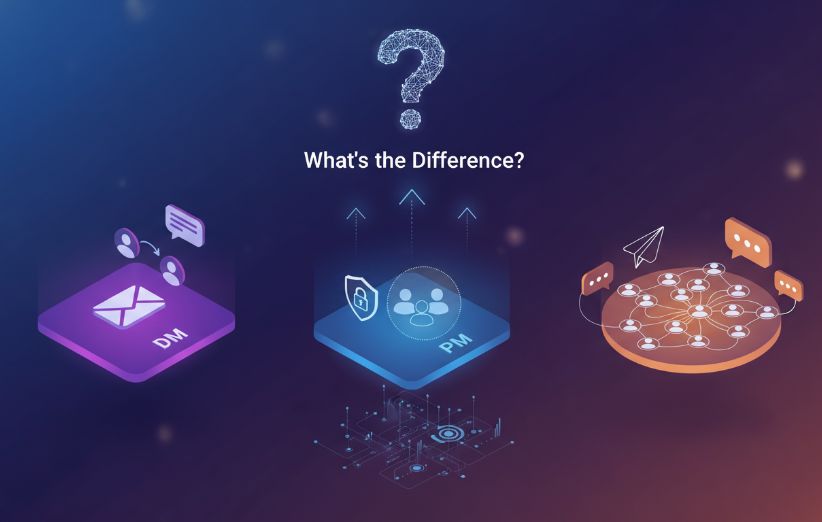
Although the terms DM and PM are used interchangeably, there are small contextual differences worth noting. DM (Direct Message) emphasizes the action of sending a private communication directly, while PM (Private Message) highlights privacy. Both ultimately refer to the same function inside Facebook Messenger. Meanwhile, “Messenger Chat” refers to the actual interface where these messages appear. Understanding these differences helps new users navigate Facebook more confidently, especially since private communication tools are increasingly tied to audience interaction—something enhanced when users grow their network using strategies like Buy Facebook Friend Requests.
How to Send a DM on Facebook (Mobile & Desktop Guide)
Sending a DM on Facebook is extremely simple, but the steps differ slightly depending on whether you're using the mobile app or desktop version. Below is a clear breakdown for both platforms so you can quickly message friends, pages, or new connections. Messenger’s interface is designed to be intuitive, allowing users to send messages instantly with just a few taps or clicks. Here’s how it works:
Sending a DM on Mobile
- Open the Facebook or Messenger app.
- Tap the profile or page you want to message.
- Press the Message button below their name.
- Type your message and tap Send.
Sending a DM on Desktop
- Open Facebook in your browser.
- Click the Messenger icon (top right).
- Select a chat or click New Message.
- Enter the name or page and begin typing.
These methods work whether you're messaging a friend, a page, or someone you haven't added yet. In the latter case, your DM may be filtered into Message Requests.
Where to Find Incoming DMs: Inbox & Message Requests
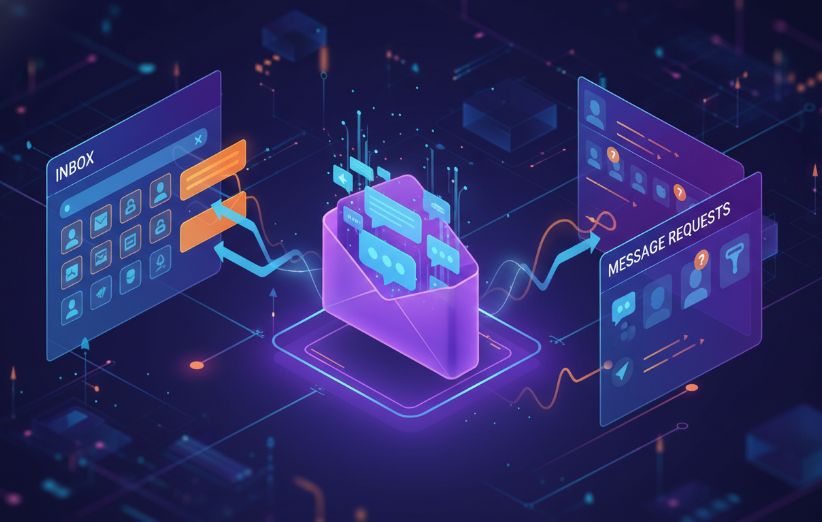
Facebook separates incoming messages into two main categories: Inbox for verified contacts and Message Requests for non-friend accounts. Message Requests allow users to preview a DM without notifying the sender that it has been read. This system protects privacy and helps filter unwanted or spam messages. Facebook also hides suspicious or harmful messages in a separate folder known as the “Spam” section. Understanding these categories helps users manage communication more effectively and avoid unwanted contacts. The system functions similarly across personal profiles and business pages, especially for brands that rely on engagement tools like Buy Facebook Emoji Reactions to increase visibility.
Are Facebook DMs Private? Understanding Privacy & Security
Facebook DMs are private conversations, but the level of security varies depending on your settings. Messenger supports end-to-end encrypted chats, which keep communication protected from third-party access. However, standard Messenger chats are not encrypted by default. You can enable encryption manually by switching to “Secret Conversation” mode. Facebook also offers privacy controls that allow users to restrict who can message them, who appears in Message Requests, and who is fully blocked. For additional clarity on privacy behavior—such as whether Facebook notifies users of photo saves—you can check resources like Does Facebook Notify When You Save a Photo?.
Common Problems With Facebook DMs and How to Fix Them
Users sometimes face issues with sending or receiving DMs, especially across different devices or privacy settings. Common problems include messages not sending, appearing as “sent” but not “delivered,” going into Message Requests, or being blocked entirely. Other issues may involve app glitches, outdated Messenger versions, or internet instability. To fix these problems, users should clear cache, update the app, enable permissions, or reconnect their account. If a DM never shows up, it’s possible that your message was filtered or the user restricted incoming communication. These issues occur universally and are not signs of being blocked unless several indicators appear together.
Best Practices for Messaging on Facebook (Safety Tips)
To use Facebook messaging safely, follow recommended best practices such as avoiding sharing sensitive personal information, enabling encryption for private discussions, and being cautious with unknown message requests. Always review privacy settings to control who can message you and adjust spam filters regularly. When interacting with new followers or customers, maintain professionalism and communicate through verified accounts. Businesses should also use engagement strategies—such as Buy Facebook Likes—to improve legitimacy before opening messaging channels with a wider audience.
FAQs
Is a DM on Facebook the same as a Messenger message?
Yes. A DM on Facebook is simply a private message sent through Messenger. Both terms refer to the same communication system.
Can I DM someone on Facebook without adding them as a friend?
Yes, you can send a DM to non-friends, but your message will appear in their Message Requests folder until they approve it.
Where do DMs from strangers go on Facebook?
Messages from non-friends automatically go to the Message Requests section, and some may be filtered into the Spam folder.
Are Facebook DMs encrypted or private?
Standard Messenger chats are private but not fully encrypted. For maximum security, users should enable Secret Conversations, which offer end-to-end encryption.
Can I turn off DMs or restrict who can message me?
Yes, Facebook allows you to restrict DMs by adjusting privacy settings, blocking unknown senders, or filtering messages into requests.